Your first manga
From a source to your first chapter.
Pick a source
Open Browse or Search, choose an enabled source and search for a title. Different sources may have different languages, chapter numbers or catalogue coverage.
Open manga details
Tap a result to see its cover, description and chapters. Previously saved details and chapters can be read from the local cache. Pull down on the details page to request fresh information using Keihatsu's custom refresh indicator.
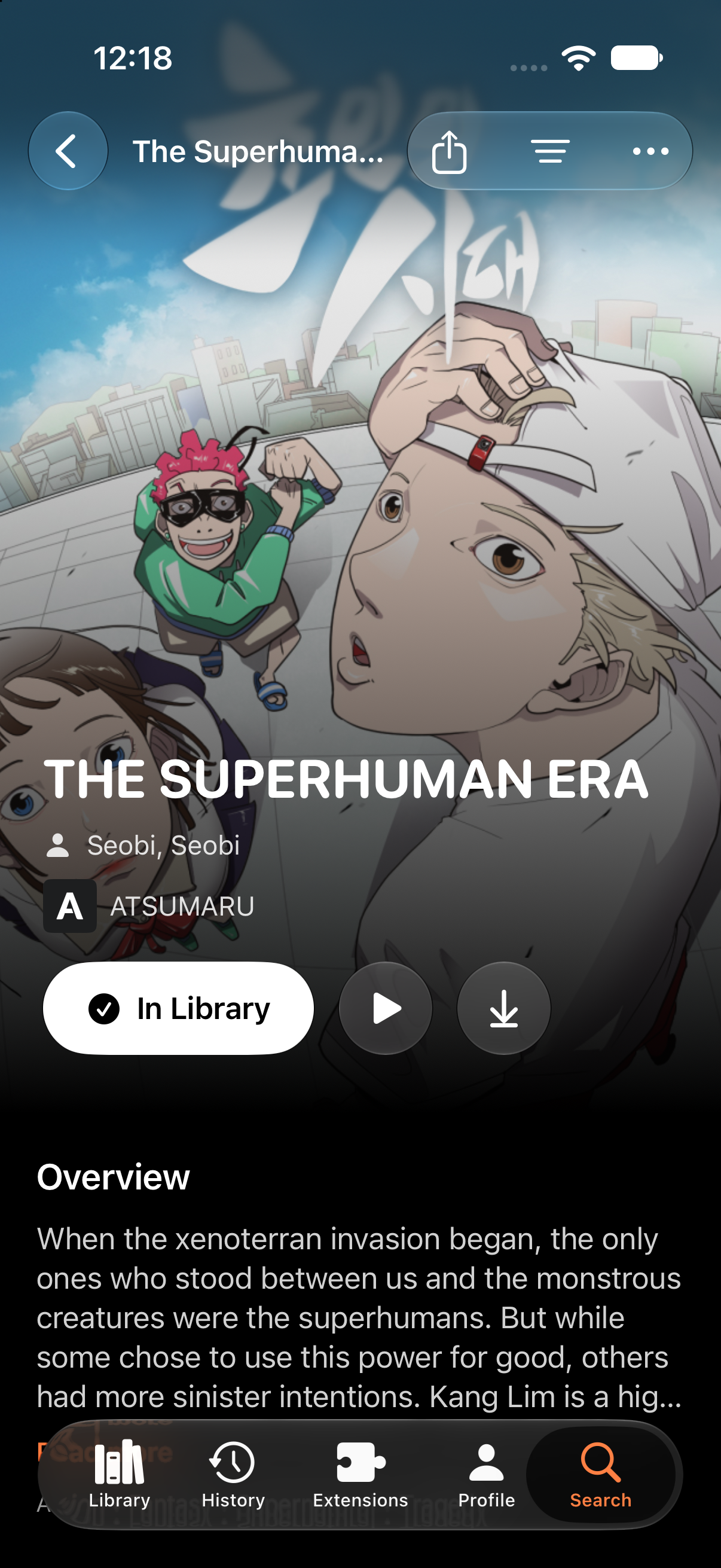
Save to your library
Use Add to library, choose a category and confirm. The Default category contains titles without a custom category assignment. Your saved library becomes the quickest route back to a title.
Start reading
Choose a chapter or Continue reading. Reader controls let you move between chapters and manage reading settings. Page images require a connection unless that chapter has been downloaded successfully.
Keep your place
Reading progress belongs to the signed-in account. When the app reconnects, queued updates can sync. Signing out or changing accounts should show that account's own library and progress rather than the previous person's entries.